
Getting new customers is hard when you have no website. Most small businesses face this problem. You run a Facebook page. People message you. But messages get lost. This guide to Facebook lead ads owners can actually use will change that. You will learn how to collect customer details automatically, even while you sleep.
Imagine a tutoring center. The owner posts on Facebook every day. Parents comment "fee?" and "location?" She replies to each one by hand. Many give up waiting. Now imagine a small form pops up right inside Facebook. The parent taps twice. Done. The center gets the phone number instantly. That is what a lead ad does.
What Are Facebook Lead Ads?
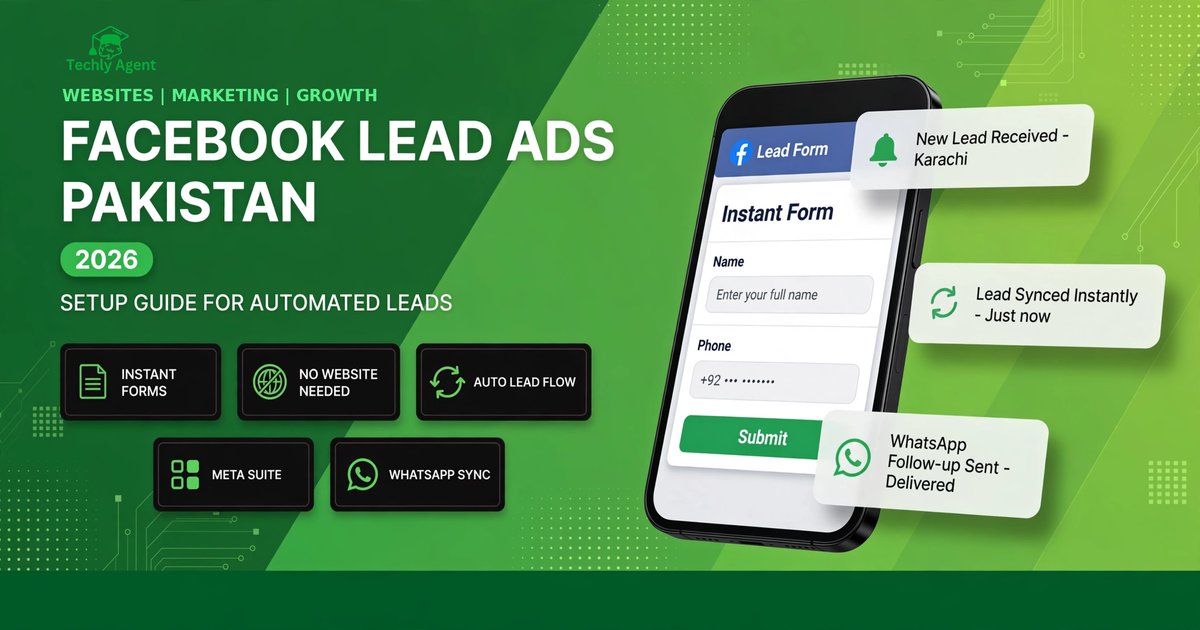
A lead ad is a Facebook or Instagram ad with a built-in form. When someone taps your ad, a short form opens inside the app. Facebook fills in the person's name and email or phone number for them. The person just taps "Submit." You get their details in your Meta Business Suite. That is the whole idea behind Facebook lead ads marketers rely on for quick customer lists.
Normal ads send people to a website. But many customers will not wait for a slow site to load. They are on mobile data. A lead ad removes that step completely. Everything happens inside Facebook. This is why Facebook lead ads get more responses than website ads for small businesses.
Person Sees Your Ad
Your ad appears in their Facebook or Instagram feed, just like a normal post with a button.
They Tap the Button
A short form opens inside the app. Facebook pre-fills their name and contact info.
You Get the Lead
They tap submit. Their details land in your Leads Center instantly, ready for a call.
Why Lead Ads Work So Well
Many people browse Facebook on their phones. Many small businesses have no website at all. Lead ad campaigns fit this reality perfectly. You do not need a developer. You do not need hosting. You just need a Facebook page and an ad account.
There is another reason. Many customers prefer WhatsApp and phone calls. A lead form gives you their number. Then you call or message them directly. That personal contact closes sales. A website form sitting in an inbox cannot do that.
How to Set Up Facebook Lead Ads: 7 Steps
Setting up Facebook lead ads business owners can manage alone takes about 30 minutes. Follow these steps in order. Do not skip step one. Meta blocks ads when the page has not accepted the lead terms.
Log in as your page admin. Go to facebook.com/ads/leadgen/tos and accept the Lead Generation Terms for your page. Each page must accept separately. Your ad will not run until this is done.
Go to Meta Ads Manager and click Create. Choose the Leads objective. This tells Meta you want customer details, not website visits.
Select your Facebook page. Then set your audience: location (for example, your city or region), age range, and interests that match your customers. Start with one city. You can expand later.
Start small while you test. A modest daily budget for 5 to 7 days is enough to learn what works. You can raise it once leads start coming at a good rate.
In the ad setup, click Create Form. Give it a name you will recognize, like "October Course Leads." Add a short headline, a one-line description of your offer, and the questions you need. Keep reading — the next section shows exactly which questions to ask.
Upload one clear image or short video. Write simple ad text: what you offer, who it is for, and what happens next. Example: "Free demo class this Saturday. Fill the form and we will call you."
Publish the ad. After approval, open Meta Business Suite, go to All Tools, then Leads Center. New leads appear here. Download them or connect them to your phone automatically.
Build a Lead Form People Actually Fill
Your form decides everything. A long form scares people away. A short, clear form gets filled. Advertisers who keep forms under 4 questions see far better results than those who ask for everything at once.
5 Mistakes That Waste Your Ad Budget
Most failed lead ad campaigns fail for the same few reasons. Avoid these and your lead ads budget will go much further than most advertisers'.
- Targeting the whole country at once. Start with one city where you can actually serve customers. Broad targeting burns money on people you cannot reach.
- Asking too many questions. Ten questions feels like an exam. People close the form. Three to four questions is the sweet spot.
- Weak ad creative. A blurry photo with tiny text gets ignored. Use one bright, clear image that shows the result you offer.
- No follow-up system. Leads sitting in Business Suite do nothing. Check new leads twice a day at minimum, and call fast.
- Ignoring the thank-you screen. This free screen can carry your WhatsApp number and shop timings. Many advertisers leave it blank.
What to Do After You Get Leads
Collecting leads is only half the job. The other half is responding fast, every time. Manually checking Business Suite works at first — most Facebook lead ads beginners start this way. But as leads grow, you will miss some. That is where simple automation helps.
You can connect your lead ads to WhatsApp so every new lead triggers an instant message. Our companion guide, How to Connect Facebook Lead Ads to WhatsApp with Make.com, walks through the full setup step by step. Even without automation, build one simple habit: check your Leads Center every morning and every evening, and call new numbers the same day.
Morning: open Leads Center, note new names. Call each one before noon. Evening: check again, message anyone you missed on WhatsApp. Log every call result in a notebook or sheet. This routine alone beats most competitors.
How to Measure If Your Lead Ads Work
Do not judge Facebook lead ads by likes. Judge by leads and cost per lead. Lead ads advertisers should watch these four numbers weekly.
| Metric | What It Means | What Is Good |
|---|---|---|
| Leads | How many forms were submitted | Growing week after week |
| Cost per lead | Ad spend divided by number of leads | Falling as you improve targeting |
| Form completion rate | How many who opened the form finished it | Above half means your form is short enough |
| Lead-to-customer rate | How many leads actually bought | Track with a simple sheet; even 1 in 10 is a start |
If cost per lead is too high, shorten the form first. Then tighten the audience to one city. Then test a new image. Change one thing at a time so you know what helped.
Frequently Asked Questions
Can I run Facebook Lead Ads without a website?
Yes. That is the main advantage. You only need a Facebook page and an ad account. The form lives inside Facebook, so no website, no landing page, and no developer is needed.
Where do my leads go after someone submits the form?
They appear in your Meta Business Suite under All Tools, then Leads Center. You can view, download, or connect them to WhatsApp and email tools for instant alerts.
How fast should I contact a new lead?
As fast as possible. Calling within a few minutes gives the best results. At minimum, contact every lead the same day. Old leads go cold quickly.
Do lead ads work for small service businesses?
Yes. Tutors, salons, clinics, plumbers, and real estate agents all use them well. Any business where a phone call can close the sale is a good fit.
Want Lead Ads That Actually Bring Customers?
Facebook lead ads work best with the right setup, sharp targeting, and fast follow-up. If you want help setting yours up properly, talk to our team. We build ad systems for small businesses every day.
Get Help With Your Ads →Want to grow further? See our social media marketing services for full campaign management.