
What Slows Down a WooCommerce Store?
Speed Up WooCommerce Pakistan starts with knowing what drags your store down. Five culprits cause most slow stores.
Heavy Themes
A theme is your store's design. Heavy themes load code you never use.
Too Many Plugins
Each plugin adds code. Thirty plugins means thirty extra loads.
Big Product Images
Phone photos are huge. One unresized photo can weigh megabytes.
Slow Hosting
Cheap shared servers split power between hundreds of websites.
No Caching
A caching plugin stores a saved copy of your page. Visitors get it instantly. Without caching, every visit is built from scratch.
Most stores suffer from two or three of these at once. Fix them in order.
Wondering if your whole site is slow? Read our WordPress speed guide first.
Why Speed Matters for Pakistani Stores
Pakistani shoppers buy on phones. A buyer in Karachi will not wait for a slow page.
Slow checkouts kill JazzCash and Easypaisa orders. The buyer gives up before paying.
Google ranks slow stores lower. Fast stores show up first.
A Lahore fashion store cut load time in half. Their mobile sales jumped.
Measure Your Speed First
Before you Speed Up WooCommerce Pakistan, record your numbers. You cannot improve what you do not measure.
Paste your store URL. It gives a score and a fix list.
A deeper speed report. It shows what loads slowly, file by file.
Test your homepage, one product page, and the checkout page. Not just the homepage.
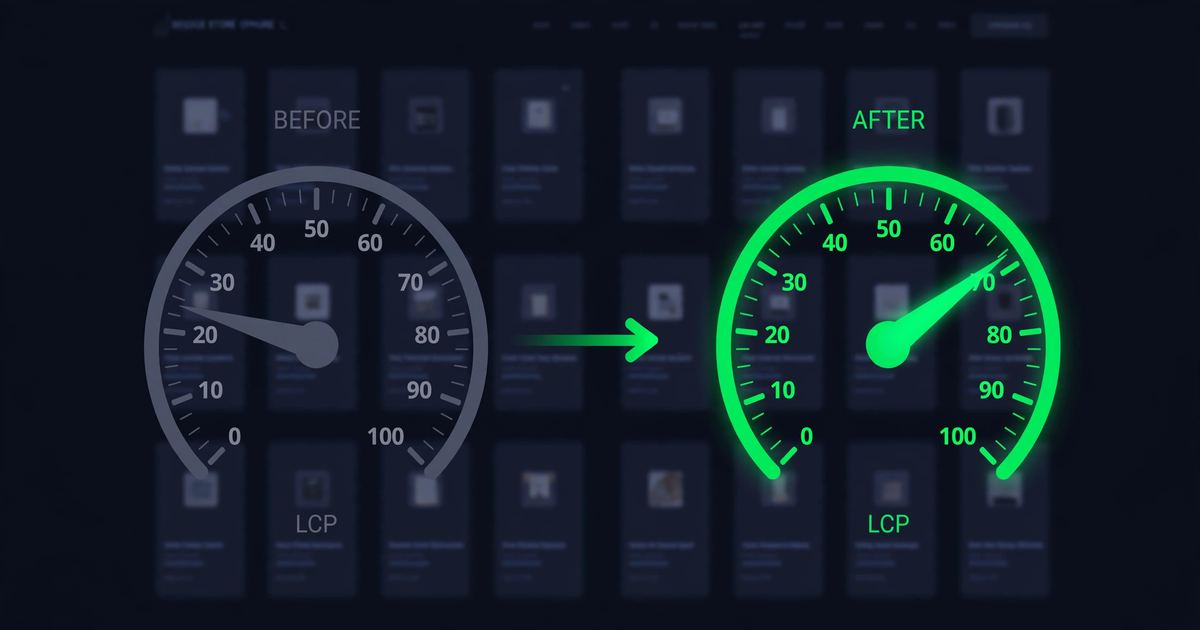
LCP is the number that matters most. LCP means how fast the biggest thing on the page loads.
Pick Faster Hosting
Cheap shared hosting hurts WooCommerce stores. Your store shares one server with hundreds of sites.
WooCommerce needs memory. The PHP memory limit is how much memory your store may use.
Worker processes are the staff that serve visitors at the same time.
Shared plans give you tiny limits. Your store slows down when traffic rises.
LiteSpeed servers help. They serve pages faster than old setups.
Use a Lightweight Theme
Heavy multipurpose themes load sliders, animations, and page builders you never use.
Switch to a light theme. Storefront is WooCommerce's own light theme. Modern block themes are light too.
Test on a staging copy first. Compare speed before and after the switch.
A clean design also converts better. Buyers trust simple stores.
Audit Your Plugins
Open your plugins page. Ask about each one: do I really use this?
Delete heavy plugins you do not need. Each one loads code on every page.
Keep one backup plugin only. Two backup plugins fight each other.
Replace heavy plugins with lighter ones. One job, one plugin.
Browse the official WordPress plugin directory for lightweight, well-maintained options.
Optimize Your Product Images
Product images are usually the heaviest part of a store page.
Use WebP. WebP is a smaller picture format. Same look, much smaller file.
Resize before you upload. A product photo rarely needs to be 4000 pixels wide.
Turn on lazy loading. Lazy loading means images load only when the buyer scrolls to them.
Set Up Caching the Right Way
Caching is the biggest speed win for most stores. But WooCommerce needs special care.
Page cache stores a saved copy of your pages. Visitors get the copy instantly.
Object cache stores saved database answers. Your store asks the database less often.
Use one caching plugin. Two caching plugins conflict with each other.
For advanced tuning, read the official WordPress performance optimization guide.
Clean Your Database
Your database grows every day. Old data slows it down.
Transients are temporary saved data. Plugins leave them behind like trash.
Revisions are old copies of your products. WordPress saves one every time you edit.
Sessions are leftover shopper data. Expired sessions pile up quietly.
A cleanup plugin can remove this junk safely. Run it monthly.
Safe Speed Up WooCommerce Pakistan Code Tweaks
Three small tweaks speed up every store. All are safe and reversible.
Cart fragments are the code that keeps your cart icon updated. You do not need them on blog pages.
A small code snippet or a plugin can limit them to shop pages.
The Heartbeat API is WordPress checking in with the server in the background. On admin pages it runs constantly.
Limit how often it fires.
Chat widgets, social feeds, and review widgets each load code from other websites. Every one adds waiting time.
Keep only what you truly need.
Use a CDN for Your Product Images
A CDN keeps copies of your images on servers around the world. Buyers load the nearest copy.
Cloudflare's free plan works great for stores. It also adds security.
Follow our Cloudflare WordPress Pakistan setup guide to add it in 30 minutes.
Speed Up Your Checkout
The checkout page decides whether you get paid. Make it lightning fast.
Use a one-page checkout. All fields on one screen. No extra steps.
Remove checkout fields you do not need. Fewer fields means faster buyers.
Keep trust badges, but keep them light. A heavy badge widget defeats the purpose.
Common Problems and Simple Fixes
Speed work can break things. Fix these fast.
Mistakes to Avoid With Speed Up WooCommerce Pakistan
These mistakes undo good speed work.
How to Measure Your Results
Track these numbers after your Speed Up WooCommerce Pakistan work.
| Number | What It Means | What You Want |
|---|---|---|
| LCP | How fast the biggest thing on the page loads | Under 2.5 seconds |
| Checkout time | Seconds from "place order" to success page | As low as possible |
| Mobile score | PageSpeed score on phones | Above 80 |
| Bounce rate | Visitors who leave without clicking | Lower than before |
Compare before and after. Write down your numbers before every change.
Thinking of switching platforms instead? Read our WooCommerce vs Shopify comparison first.
Myths vs Reality
Wrong ideas about Speed Up WooCommerce Pakistan waste money.
Speed Up WooCommerce Pakistan Checklist
Run this Speed Up WooCommerce Pakistan checklist before you call it done.
Your 4-Step Action Plan
Your Speed Up WooCommerce Pakistan plan starts today. Four steps.
Test your homepage, product page, and checkout. Write down the numbers.
Images, plugins, and caching. These give the biggest wins.
Set up Cloudflare free. Serve images from nearby servers.
Place a real test order. Measure again. Compare your numbers.
Speed Up WooCommerce Pakistan — FAQs
Top questions about Speed Up WooCommerce Pakistan.
Will caching break my checkout?
No. Good caching plugins exclude cart, checkout, and account pages automatically. Check the settings if totals look wrong.
How many plugins are too many?
There is no magic number. One heavy plugin hurts more than ten light ones. Audit by weight, not count.
Is WebP safe for product images?
Yes. All modern browsers show WebP. Keep originals as backup if you worry.
Do I need a developer for this?
No. Everything in this guide works with plugins and settings. The code tweaks have plugin options too.
How fast should my store be?
Aim for LCP under 2.5 seconds on mobile. Faster is always better, but that is a solid target.
Want a Faster Store Without the Headache?
This Speed Up WooCommerce Pakistan guide gave you the playbook. Now let experts run it.
We speed up WooCommerce stores for Pakistani businesses — hosting, images, caching, checkout, all tested.
Get a Free Speed Audit