
Every order on your store creates five minutes of shipping work: copy the address, book the courier, print the label, update the tracking. At fifty orders a day, that is someone's whole shift. This WooCommerce courier integration Pakistan guide shows you how to automate all of it in 2026.
What Is Courier Integration?
A courier is the company that carries your parcel from your shop to the customer — TCS, Leopards, PostEx, and others. Integration means connecting two systems so they talk to each other automatically. So WooCommerce courier integration Pakistan is simply this: your WooCommerce store and the courier's system connected, so order details move across without you typing anything twice.
The connection happens through an API — a secure bridge that lets software share information. When a customer places an order on your store, the API sends the address, phone number, and order value to the courier instantly. The courier replies with a tracking number, which flows back into your store. Both sides stay in sync, automatically.
In practice, you do not touch any code. You install a plugin, enter your courier account details once, and the integration runs in the background. That is the whole point of WooCommerce courier integration Pakistan — shipping that handles itself while you focus on selling.
Why Manual Shipping Slows Your Store
Before the integration, a typical Pakistani store ships like this: read the order in WooCommerce, open the courier's website, type the name, address, phone, city, and order value again, book the pickup, print the label from another page, then go back and mark the order as shipped. Five minutes per order — if nothing goes wrong.
At ten orders a day, that is nearly an hour of typing. At fifty orders a day, it is one person's entire shift. Worse, every manual step is a chance for error: a wrong digit in a phone number, an old address pasted, a COD amount mistyped. Each mistake costs a failed delivery — and a failed delivery costs you the shipping both ways.
Customers also wait longer. With manual booking, parcels get booked when you reach them — maybe hours after the order. With WooCommerce courier integration Pakistan, the booking happens the moment the order is placed. Faster booking means faster dispatch, faster delivery, and happier buyers who order again.
Courier Options for Pakistani Stores
Pakistan has several courier companies that work with online stores. Most popular ones offer some form of WooCommerce courier integration Pakistan support — either a ready plugin, an API you can connect, or a shipping dashboard that syncs with your store.
| Courier | Known for | WooCommerce connection |
|---|---|---|
| TCS | Largest network, wide coverage across Pakistan | API available; plugins and connectors exist |
| Leopards Courier | E-commerce focused, COD handling | API and shipping plugins available |
| PostEx | Built for online stores, instant COD remittance | API plus ready WooCommerce plugins |
| BlueEx | Air freight and express options | API available |
| Pakistan Post | Cheapest option, slower delivery | Manual booking mostly; no real-time API |
Do not pick on price alone. Ask each courier three questions: Do you support automatic booking for my store? How fast do you return my COD cash? What is your delivery success rate in my main cities? The answers matter more than a few rupees per parcel — a cheap courier that loses parcels is the most expensive choice of all.
Connect a Courier With a Plugin (Easiest)
You do not need a developer to set up WooCommerce courier integration Pakistan. Shipping plugins handle the API connection for you — you configure, they connect.
Contact your chosen courier and open a business account for your store. They will give you API credentials — usually a username, password, or a long secret key. Keep these safe; they are the keys to your shipping.
In your WordPress dashboard, install a WooCommerce shipping plugin that supports your courier. Many couriers publish their own official plugins — prefer those over random third-party ones. See the official WooCommerce extensions directory for trusted options.
Open the plugin's settings and paste in the credentials from step 1. The plugin will test the connection — a green "connected" message means your store and the courier are now talking.
Set your default parcel weight, your pickup address, and which order statuses should trigger booking. For example: book the courier automatically when an order becomes "Processing". One setup, then it runs forever.
Test with one real order before going live — book it, print the label, and watch the tracking number appear in WooCommerce. If that flow works, your WooCommerce courier integration Pakistan setup is ready for every order.
Book Shipments Automatically
Booking a shipment means telling the courier: come pick up this parcel. With integration, this happens the instant an order is placed — no waiting, no typing.
Here is the automatic flow: the customer pays (or chooses COD). WooCommerce marks the order as Processing. The plugin reads the shipping address, phone number, and order total, and sends it all to the courier through the API. The courier creates the booking and returns a tracking number, which lands in the order automatically. The whole thing takes seconds.
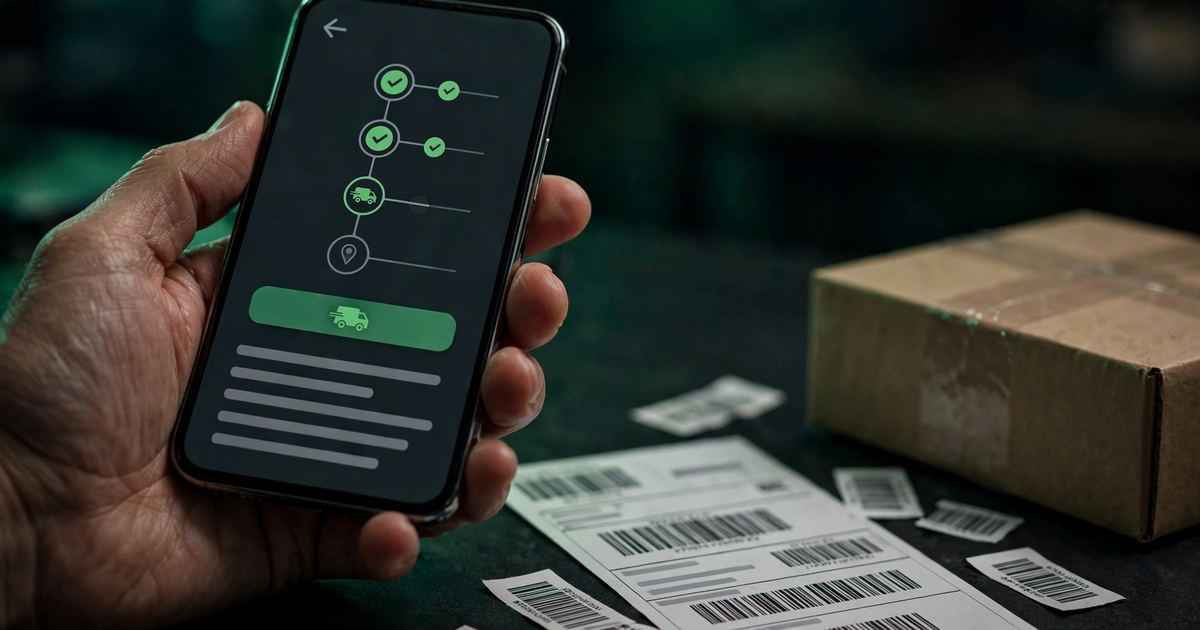
You can also choose manual booking per order if you prefer control — the plugin adds a "Book shipment" button on each order page. Click it, and the booking happens instantly with the stored details. Many store owners use automatic booking for regular orders and the button for special cases.
Print Labels and Track Orders
A shipping label is the sticker on the parcel with the tracking barcode, the destination address, and the order details. The courier scans it at every step — so the label must be correct.
With WooCommerce courier integration Pakistan, labels generate inside your store. Open the order, click print, and the courier-formatted label comes out — barcode included. For busy days, most plugins offer bulk printing: select twenty orders, print twenty labels in one go.
Tracking is where the integration really shines. Every scan — picked up, in transit, out for delivery, delivered — flows back into WooCommerce. You see the parcel's journey on the order page. Better still, the customer can see it too: many plugins add a tracking link to the order email, so buyers stop asking "where is my parcel?" on WhatsApp.
Handle COD Parcels With WooCommerce Courier Integration Pakistan
COD (cash on delivery) parcels need one extra detail: the amount the courier must collect at the door. Get this wrong and the rider collects the wrong cash — a mess nobody wants.
Proper WooCommerce courier integration Pakistan handles this automatically. The plugin reads the order total from WooCommerce and sends it as the COD amount with the booking. The label prints with the collection amount, the rider collects exactly that, and the courier later transfers the money to you.
Two things to get right. First, make sure the plugin marks the shipment as COD, not prepaid — a prepaid booking for a COD order means the rider arrives expecting no cash. Second, confirm the courier's COD remittance schedule (how fast they send your collected cash) before you commit. For the full payment picture, read our COD vs prepaid in Pakistan guide.
WooCommerce Courier Integration Pakistan Mistakes to Avoid
Most integration headaches come from setup errors, not from the technology. Avoid these and your WooCommerce courier integration Pakistan setup will run quietly in the background:
The biggest mistake is delaying the integration itself. Every week of manual shipping is hours of typing and a pile of avoidable errors. A basic WooCommerce courier integration Pakistan setup takes an afternoon — there is no reason to keep booking parcels by hand.
Frequently Asked Questions
Which courier is best for WooCommerce courier integration Pakistan?
It depends on your volume and cities. TCS has the widest network, Leopards and PostEx focus on e-commerce with strong COD handling, and BlueEx offers express options. Open a business account with one, test its plugin or API, and judge by delivery success and COD speed — not just price.
Do I need a developer to integrate a courier with WooCommerce?
Usually not. Official courier plugins connect with your API credentials in a few steps — no coding. You only need a developer for unusual cases, like custom shipping rules or connecting a courier with no plugin. For the checkout side of the flow, see our WooCommerce checkout optimisation guide.
How do customers get their tracking numbers?
Automatically. When the courier returns the tracking number, the plugin stores it on the order and most plugins add it to the order confirmation email. Customers click and track — without messaging you on WhatsApp.
What happens if the integration breaks?
Orders keep arriving — only the automatic booking stops. A healthy WooCommerce courier integration Pakistan setup rarely breaks; when it does, you will notice bookings failing in the plugin's log. Check your API credentials first (expired keys are the most common cause), then contact the courier's support. Keep the courier's manual booking page bookmarked as a backup.
Want Shipping That Runs Itself?
WooCommerce courier integration Pakistan done right means orders booked in seconds, labels printed in bulk, and tracking that updates itself. We build WooCommerce stores with courier integration, COD handling, and checkout optimisation handled from day one. Talk to us today.
Automate My ShippingShipping is the last mile of a store that converts. For the checkout that feeds it, read our WooCommerce checkout optimisation in Pakistan guide — and for the full platform picture, see WordPress development in Karachi.