
Most Karachi sellers already take orders on WhatsApp. A customer asks "price?", you reply, they ask for photos, you send five pictures, they disappear. A proper whatsapp catalog pakistan setup ends this daily struggle. Your products sit neatly in your profile, with photos and prices, ready for any customer to browse.
This guide keeps it simple. You will learn what a catalog is, what you need before you start, the 7 steps to set it up, how to write product details that sell, and the mistakes most sellers make. No tech skills needed — if you can use WhatsApp, you can do this.
What Is a WhatsApp Catalog?
A catalog is a list of your products that lives inside your WhatsApp Business profile. Think of it as a mini online shop. Each product has a photo, a name, a price, and a short description. Customers open your profile, tap your catalog, and browse everything without asking you a single question.
A whatsapp catalog pakistan store is free. WhatsApp hosts the catalog for you. You can add up to 500 products and up to 10 photos per product. Your products go through a quick review first, and then they go live for every customer to see.
It is different from a website. A website needs a domain, hosting, and design. A catalog needs only your phone and the free WhatsApp Business app. Customers in Pakistan already trust WhatsApp, so a whatsapp catalog pakistan listing feels safer than a random Facebook page. For a small Karachi retailer, it is the fastest way to look professional online.
Why Your Business Needs a WhatsApp Catalog Pakistan Setup in 2026
Pakistani customers already live on WhatsApp. They chat with family, share photos, and — more and more — buy things. When a seller has no catalog, every sale starts with the same boring questions: "price?", "more photos?", "delivery charges?" A catalog answers all of this before the customer even messages you.
It also builds trust. Fake sellers and scam pages are common in Pakistan. A complete catalog with clear photos, honest prices, and a real business profile looks far more trustworthy than a bare number that only replies "DM for price".
And it saves you hours every week. Instead of sending the same photos to fifty customers, you share one catalog link. Customers browse on their own time — even at 2am — and message you only when they are ready to buy.
What You Need Before You Start
You only need three things to begin:
One more tip: use a separate business number if you can. Mixing your personal chats with customer orders gets messy fast. Before your whatsapp catalog pakistan setup goes live, a cheap second SIM keeps your business organized.
Setup: 7 Simple Steps
Here is the full setup flow, in order:
Download the WhatsApp Business app and register with your business number. It looks like WhatsApp but has extra business features.
Go to Settings and fill in your business profile: shop name, address, business hours, website (if you have one), and a short description of what you sell.
On Android, tap More options (three dots), then Settings, then Business tools, then Catalog. On iPhone, tap Settings at the bottom, then Business tools, then Catalog.
Tap "Add new item". Add up to 10 photos — the first photo becomes the cover. Then fill in the product name, price, description, website link, and product code. Tap Save.
WhatsApp reviews every new product to check it follows their commerce rules. This is usually quick — often minutes. Once approved, the product goes live in your catalog.
Add your 15 to 30 best-selling products first. You do not need all 500 slots on day one. Start with the items customers ask about most.
Open Catalog, tap Share link, and send it anywhere — in chats, on your Instagram bio, on Facebook, or on a flyer. Anyone who taps it sees your full shop.
How to Write Product Details That Sell
Most sellers upload a photo and a price, then wonder why nobody buys. Your product details do the selling while you sleep. Fill every field:
| Field | What to write | Example |
|---|---|---|
| Product name | Short, clear, and searchable — what the customer would type | Men's Black Leather Wallet |
| Price | The real price in PKR — never "DM for price" | PKR 1,850 |
| Description | Two or three lines: material, size, colours, and who it is for | Genuine leather, fits 8 cards, available in black and brown. Perfect for daily use. |
| Photos | Up to 10 — show the product from different angles and in real use | Front, back, inside, and on a table next to a phone for scale |
| Website link | Your product page, if you have a website | Your online store's product page |
| Product code | A short code so you and the customer can identify it fast | WAL-BLK-01 |
Write descriptions like you are talking to the customer. Say what it is, what it is made of, and what sizes or colours you have. The whole point of a whatsapp catalog pakistan listing is self-service shopping — and the first two lines matter most, because that is all most people read on a phone screen.
How to Organize Products with Collections
A collection is a folder inside your catalog. When you have more than 25 products, customers get lost scrolling. Collections fix that. Group your products so people find what they want fast.
Good collection names are simple: "New Arrivals", "Under PKR 2,000", "Eid Collection", "Bestsellers". To create one, open Catalog, tap "Add new collection", name it, pick the products, and save. Collections also go through a quick review.
Keep collections fresh. Move slow sellers out, add new stock in, and delete collections for seasons that ended. A tidy catalog tells customers your business is active and alive.
Share Your WhatsApp Catalog Pakistan Link to Get Orders
Your catalog only makes money when people see it. A great whatsapp catalog pakistan shop with no visitors is an empty shop. Share the link everywhere your customers already are.
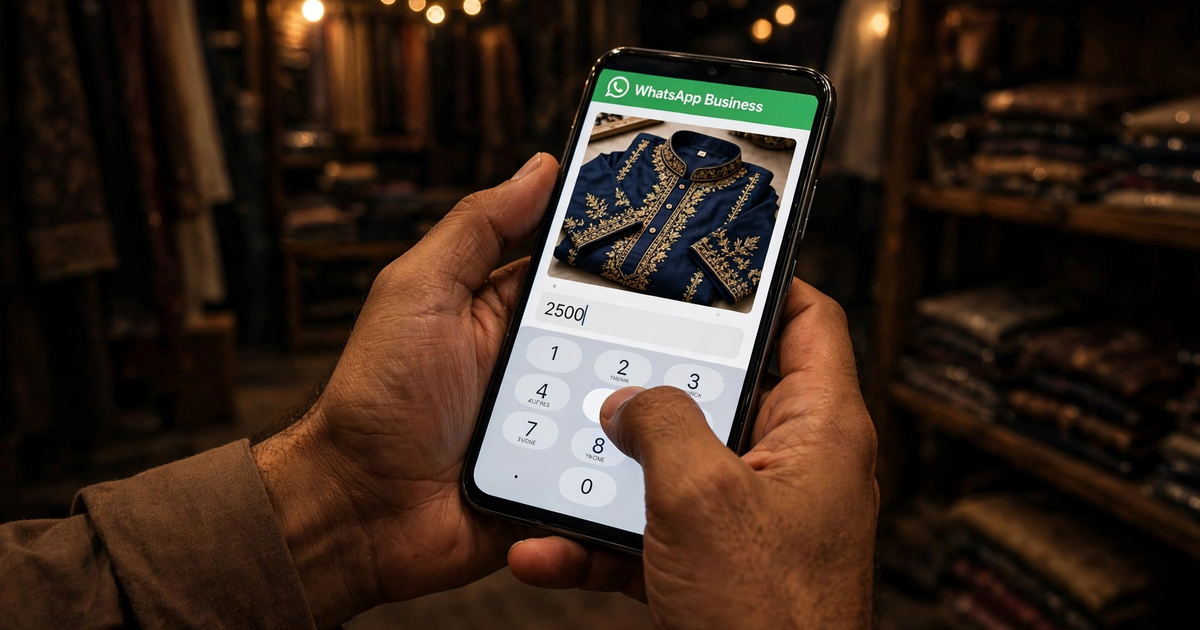
The fastest way: in any chat, tap the attach icon, choose Catalog, and send the whole catalog or single products. You can also copy the catalog link from the Catalog Manager and paste it into your Instagram bio, Facebook page, or status updates. WhatsApp's official help article on sharing catalogs walks through every sharing option with screenshots.
One more trick: put your catalog link in your WhatsApp status every week. Your contacts see it without you messaging anyone. Many Karachi sellers get their first catalog orders this way.
6 WhatsApp Catalog Mistakes to Avoid
These mistakes cost whatsapp catalog pakistan sellers real orders every day. Each one is easy to fix:
Hiding the price
"DM for price" kills sales. Customers scroll past products with no price. Always show the real price in PKR.
One blurry photo
A dark, blurry photo says your product is low quality — even when it is not. Use bright, sharp photos for every item.
Empty descriptions
No size, no material, no colours. Customers cannot buy what they cannot understand. Two honest lines beat zero lines.
Never updating stock
Sold-out items still showing as available create angry customers. Hide or delete items the moment they sell out.
No collections
Fifty products in one long list is a maze. Group them into collections so customers find things in seconds.
Never sharing the link
A catalog nobody sees makes no sales. Share the link weekly in chats, status, and social media bios.
Frequently Asked Questions
Is the WhatsApp Catalog free in Pakistan?
Yes. A whatsapp catalog pakistan setup costs nothing — adding products, collections, and sharing the link are all free. You only need the free WhatsApp Business app.
How many products can I add to my catalog?
You can add up to 500 products, with up to 10 photos per product. Most small businesses do well with 15 to 80 products to start.
Do I need a website to use the catalog?
No. The catalog lives inside WhatsApp — customers browse and message you there. A website helps later, and a professionally built WordPress store grows with you, but it is not required to start.
How do customers pay for catalog orders?
WhatsApp has no built-in payment in Pakistan. Customers message you to confirm the order, and you collect payment the usual way — cash on delivery or bank transfer.
How long does product review take?
Usually minutes, sometimes up to a day. Keep photos original and prices honest, and approvals come fast.