
Almost every customer in Pakistan uses WhatsApp. When they want to buy something, they message you there first. But most businesses reply late — or never reply at all.
That is where WhatsApp automation Pakistan changes the game. In this guide, you will learn what WhatsApp automation is, in simple words. You will see how it brings you more leads. You will learn how it follows up with customers on its own. And you will see how it connects with your CRM — your customer record system. No hard words. Just clear steps.
What Is WhatsApp Automation?
WhatsApp automation means your WhatsApp replies to people by itself. You write the messages one time. Then the system sends them for you. Day or night.
Think of it like a helpful shop assistant who never sleeps. A customer messages you at midnight. Your automation replies in 5 seconds. It says salaam, asks what they need, and shares your price list.
This is the heart of WhatsApp automation Pakistan: instant replies, every time, even when you are busy or asleep.
Why It Matters for Businesses in Pakistan
In Pakistan, WhatsApp is where business happens. People do not like filling long forms. They do not like waiting on hold. They just open WhatsApp and type.
Picture this. A woman in DHA wants to book a facial. She messages three salons on WhatsApp at 9pm. Two reply the next morning. One replies in 10 seconds, with prices and open slots.
She books with the salon that replied first. Most buyers choose the business that replies first. With WhatsApp automation Pakistan, that business is you.
A Real Example: Ahmed's Mobile Shop
Ahmed runs a mobile phone shop in Gulshan, Karachi. Before automation, he missed many messages. He was busy with customers in the shop. By the time he checked his phone, buyers had gone elsewhere.
Then he set up simple WhatsApp automation. Now every message gets an instant reply with his price list. If a customer goes quiet, they get a friendly reminder after two days.
In two months, his replies went from hours to seconds — and his sales went up. He changed nothing else. Same shop. Same phones. Just faster replies.
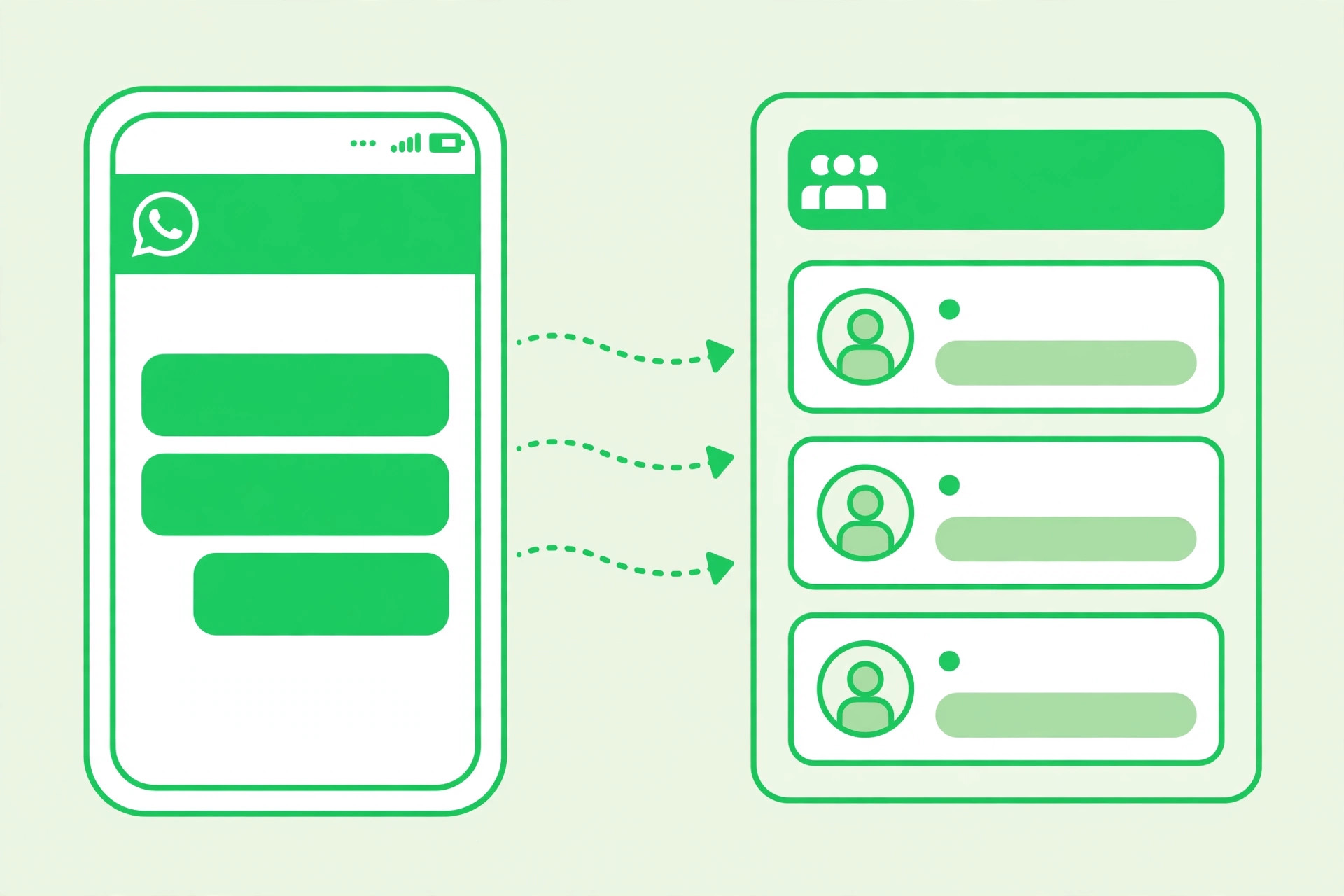
How WhatsApp Automation Pakistan Brings You More Leads
A lead is simply a person who may buy from you. More leads mean more chances to sell. WhatsApp automation Pakistan helps you catch every single lead.
Instant Reply
A customer messages you from your Facebook ad. Your automation replies in seconds with your catalogue. The customer stays interested.
No Lead Lost
It is 11pm and you are asleep. A buyer asks about your price. Your automation answers. You wake up to a warm lead, not a missed one.
Smart Questions
Your automation can ask two or three simple questions. What is your name? What do you need? What is your budget? Now you know who is serious.
Every message gets an answer. No lead waits. No lead leaves. That is what WhatsApp automation Pakistan does for your business.
Follow-Ups That Happen on Their Own
Most sales do not happen on the first message. A customer asks about your price. Then they go quiet. Without a follow-up, you lose them.
WhatsApp automation Pakistan fixes this. You set a simple rule: if a customer goes quiet for 2 days, send them a friendly reminder. The system does it for you.
Follow-up is where the money is. Automation makes sure it always happens. This is why WhatsApp automation Pakistan works so well for follow-ups.
WhatsApp Automation and CRM Workflows
CRM is short for Customer Relationship Management. It is just a system that keeps all your customer details in one place. Names, numbers, what they bought, what they asked.
When you connect WhatsApp automation Pakistan with your CRM, every chat is saved on its own. New lead? Saved. Follow-up sent? Saved. Order placed? Saved.
Your whole team sees the same details. Nothing is missed. You open your CRM and see the full story of every customer. No more lost chats. No more confusion.
WhatsApp Business App vs WhatsApp Business API
There are two ways to use WhatsApp for business. The free app is good for small shops. The API is built for bigger needs and full automation. API is short for a tool that lets two systems talk to each other.
| Feature | WhatsApp Business App | WhatsApp Business API |
|---|---|---|
| Price | Free | Paid (per message) |
| Best for | Small shops, 1–2 people | Growing businesses and teams |
| Auto replies | Basic (away message, quick replies) | Full (chatbots, workflows) |
| Many users | One phone only | Many team members at once |
| CRM link | No | Yes |
| Bulk messages | Small broadcast lists | Large campaigns |
Start with the free app if you are small. Move to the API when you need real WhatsApp automation Pakistan power. You can read more on the official WhatsApp Business website.
How to Set It Up: Step by Step
You do not need to be technical. Follow these six steps in order.
Download the WhatsApp Business app. It is free. Set up your business profile: your name, address, working hours, and product catalogue.
Write down the 10 questions customers ask you most. Price? Location? Timings? Delivery? These become your auto replies.
Write short, friendly replies for each question. Use simple words. Add your price list and your location link.
Write a message for when you are closed. Tell customers when you will reply. This keeps them from leaving.
When you are ready for full WhatsApp automation Pakistan, connect a CRM or automation tool. Now leads, follow-ups, and reminders run on their own.
Message your own number. Check every reply. Fix what sounds odd. Ask a friend to test it too.
Test before you go live. One broken reply can push a customer away. Take one hour to test. It is worth it.
Message Examples You Can Copy
Here are simple messages you can use today. Change the words to fit your business.
Short, warm, and clear. That is all a good WhatsApp message needs.
What Does WhatsApp Automation Pakistan Cost?
Cost depends on what you choose. Here is a simple breakdown for Pakistan.
| Option | Monthly Cost (PKR) | Good For |
|---|---|---|
| WhatsApp Business App | Free | Small shops |
| API + basic tool | About 5,000 – 15,000 | Growing businesses |
| API + full CRM setup | About 20,000 – 60,000+ | Teams and big stores |
| One-time setup help | About 15,000 – 50,000 | Done-for-you setup |
Start free. Pay more only when your sales grow. Most small businesses in Pakistan see results with the free app plus simple auto replies. That is the smart way to start WhatsApp automation Pakistan.
5 Mistakes to Avoid
- Sending too many messages. Nobody likes spam. Send only useful messages. Two or three follow-ups are enough.
- Sounding like a robot. Write like a person talks. Warm and short beats formal and long.
- No way to reach a human. Always give a way to talk to a real person. Some customers need a human, not a bot.
- Forgetting to test. Broken buttons and wrong prices push people away. Test every week.
- Ignoring the rules. WhatsApp has rules about business messages. Follow them, or your number can be blocked.
Your WhatsApp Automation Checklist
Go through this list before you launch. Tick every box.
Frequently Asked Questions
Is WhatsApp automation legal in Pakistan?
Yes, it is legal. Just follow WhatsApp's rules. Only message people who contacted you or agreed to hear from you. Do not spam strangers.
Do I need the paid API to start?
No. Start with the free WhatsApp Business app. It has auto replies and away messages. Move to the API when your business grows and you want full WhatsApp automation Pakistan.
Will customers know they are talking to automation?
If you write well, most will not mind. Be honest though. Say "this is an auto reply" when needed. Always offer a way to talk to a real person.
Can it work in Urdu or Roman Urdu?
Yes. Write your messages in the language your customers use. Roman Urdu works great for many Pakistani businesses. Your customers feel more at home.
How fast will I see results?
Many businesses see faster replies in week one. More leads usually show in the first month. The key is to keep your messages short and useful.
Can TechlyAgent set this up for me?
Yes. We set up WhatsApp automation Pakistan for businesses — auto replies, follow-ups, and CRM links. Message us here and we will plan it for you.
Want More Leads from WhatsApp?
Stop losing customers to slow replies. Let us set up WhatsApp automation Pakistan for your business — auto replies, smart follow-ups, and CRM workflows, done for you.
Get a Free Consultation →